Many home-maintenance conversations begin with a short message: “There is a noise.” Details then disappear between a call, a photograph, and an unconfirmed appointment. The organisational problem is not merely the absence of a long checklist. It is the lack of a record connecting the observation to the right equipment, responsible person, and next action. You can create that record without buying a complex system or attempting a repair.
This is a guide to information, appointments, and follow-up, not a building safety inspection or fault diagnosis. It provides no instructions for opening appliances, electrical or gas work, roof access, or structural repair. If there is immediate danger, do not delay appropriate assistance to complete a spreadsheet. Technical actions and timing belong with equipment instructions, qualified providers, and applicable local requirements.
Define what the household record covers
Start with equipment and systems whose follow-up responsibilities need to be known, rather than every piece of furniture. Depending on the home, this might include a washer, cooling, heating, and water fixtures. If a particular system is absent, do not copy its row from a generic list. Keep the initial scope small enough to connect every item with a real manual or contact.
Give each item a distinctive name, such as “utility-room washer” when the building has several. Add manufacturer and model from an available document or safely readable label. Do not move equipment or open a cover to obtain a number. If information is unavailable, mark it unconfirmed and request it at the next relevant contact.
Use sources without creating a universal schedule
The WaterSense page addresses maintenance of water-using household equipment.
The ENERGY STAR checklist covers heating and cooling follow-up with a professional.
Read these references to understand areas where information may be needed, not to impose every item on every home. Do not transfer a technical procedure or interval to different equipment without checking. Record instructions relevant to your model and distinguish general advice from a provider's direction and a locally applicable requirement. This article does not determine legal duties or warranty terms.
Create a short equipment card
A compact card can contain name, location, model, manual link, contact, and the location of purchase or service records. There is no need to copy payment details or identity documents into a file shared with everyone. Before saving photographs, check for addresses or other personal information and share only what the recipient needs.
Keep the original manual or its link with the date consulted. Website links can change, so knowing the file name, edition, or covered model helps. Do not rely on a manual simply because its appliance photograph resembles yours. When uncertain, ask the manufacturer for the appropriate reference instead of combining instructions from unrelated sources.
Separate observation from diagnosis
“Droplets appeared near the appliance after use” is an observation. “A particular internal component has failed” is a diagnosis requiring knowledge that description alone does not provide. Record what you saw, when, where, and whether it recurred. Do not restart suspect equipment merely to create a video or reproduce the observation. A clear message helps the recipient without imposing an unconfirmed cause.
A photograph taken from a safe position may help if available, but it is not a safety report. Include what you do not know: did the issue begin today, or was today simply when you noticed it? Is the sound genuinely new, or were you absent during earlier operation? These boundaries prevent an apparently precise record built on unstated assumptions.
Use clear follow-up states
| State | Meaning in the record | What comes next |
|---|---|---|
| New observation | Description exists, response not yet established | Identify an appropriate contact |
| Awaiting information | A specific detail is missing | Clear question and responsible person |
| Confirmed appointment | Provider accepted a time and scope | Retain confirmation and visit requirements |
| Work performed, documentation needed | Visit or service occurred; records incomplete | Save report and remaining open matters |
| Administratively closed | The defined follow-up is complete | Keep evidence and next appointment if applicable |
Closing a row does not mean you have certified the home's overall safety. State the closure's scope, such as receiving a service report or answering a question. If a new observation concerns the same item, open a linked follow-up rather than erasing the history or treating an old closed status as a permanent guarantee.
Connect every reminder to a source and owner
For each reminder, record its reason, who receives it, and who carries out the action. The source may be equipment instructions or a date agreed with a provider. If the appropriate interval is unknown, create “request suitable timing” rather than inventing monthly repetition for everything. Unjustified alerts can bury the important ones.
Distinguish “appointment requested” from “appointment confirmed.” Sending a message does not book a visit; adding a calendar entry does not establish the provider's agreement. Keep confirmation, and update both record and calendar if timing changes. Note who in the household needs to know so access arrangements do not depend on someone who will be absent.
An example with six open tasks
Imagine six fictional tasks: two to obtain equipment manuals, two awaiting provider responses, one confirmed appointment, and one awaiting a report from an earlier visit. The total is 2 + 2 + 1 + 1 = 6. These are six follow-up tasks, not six confirmed faults, and they cannot automatically be treated as equally urgent.
When you find one manual, documentation-search tasks fall to one. If the earlier visit's report also arrives and its follow-up closes, four tasks remain: one information task, two awaiting replies, and one appointment. Do not write “one-third of faults repaired,” because two administrative tasks ended, not two documented repairs.
The example shows why a metric needs a name. Open follow-ups differ from faults, visits, or appliances. Choose a measure that answers your question, and do not substitute falling numbers for reading the details and understanding what needs attention now.
Prepare a service request before calling
Gather the item name, model if known, observation, its date, and relevant previous service. Ask what the request includes, how costs are estimated, and what requires approval before execution. Do not assume an assessment visit includes every repair or replacement part, and do not accept an unclear scope merely because an appointment is available soon.
For rented homes or shared equipment, first establish the contact and responsibility under your actual arrangements. This guide does not assume every task belongs to either landlord or tenant. Record the decision-maker's approval when required without inventing one legal rule across different countries.
After the visit, record what actually happened
Write the date, provider, and work description as given in the report, attaching the relevant document. Separate “the technician said further follow-up is needed” from your own conclusion. If a question or action remains, make it a distinct task with a follow-up date or clear condition rather than burying it inside a long note in a closed row.
Keep the cost details needed for review, distinguishing the estimate from the final invoice. Do not use the record to distribute card numbers or passwords. If the issue recurs, provide the earlier service date and description when relevant instead of relying on the vague statement that it was previously repaired.
Comparisons over time need context
If a bill changes or reports recur, record the period, units, and any known change in use. A higher bill alone does not establish a technical cause: periods, prices, or usage may differ. The aim is to prepare a better question for the appropriate provider, not derive a diagnosis from one number.
Compare the current observation with the earlier one using consistent descriptions: location, type of observation, and when it appeared. Do not delete inconvenient history to make the file look tidier. A clear sequence of events is more useful than a table containing only green completion marks.
Keep the record simple and transferable
A notebook or private table can work if authorised users know where it is and which version is current. Choose one place to update, rather than spreading different information across inconsistent copies. Maintain an appropriate backup and avoid sensitive details in notifications visible on a shared screen.
When responsibility changes, hand over only necessary equipment names, open states, contacts, and references. Explain what statuses mean and what remains unconfirmed. Do not present an apparently complete list that conceals unconfirmed appointments or reports that have not arrived.
Choose an administrative review routine you can manage to remove duplicate reminders and update contacts, not to declare equipment safe. When a provider changes or an appliance is replaced, retain the dated old record and create a new card so instructions for different models are not confused.
A short review checklist
- Each item has a distinctive name and appropriate reference, or a question to obtain it.
- Observations remain separate from unconfirmed diagnoses.
- Every follow-up has a clear state, owner, and next action.
- Dates come from instructions or agreement, not arbitrary repetition.
- Visit, report, and administrative closure remain distinct.
- Shared information is limited to the recipient's needs.
- Urgent situations do not wait for spreadsheet completion.
Sources and transparency
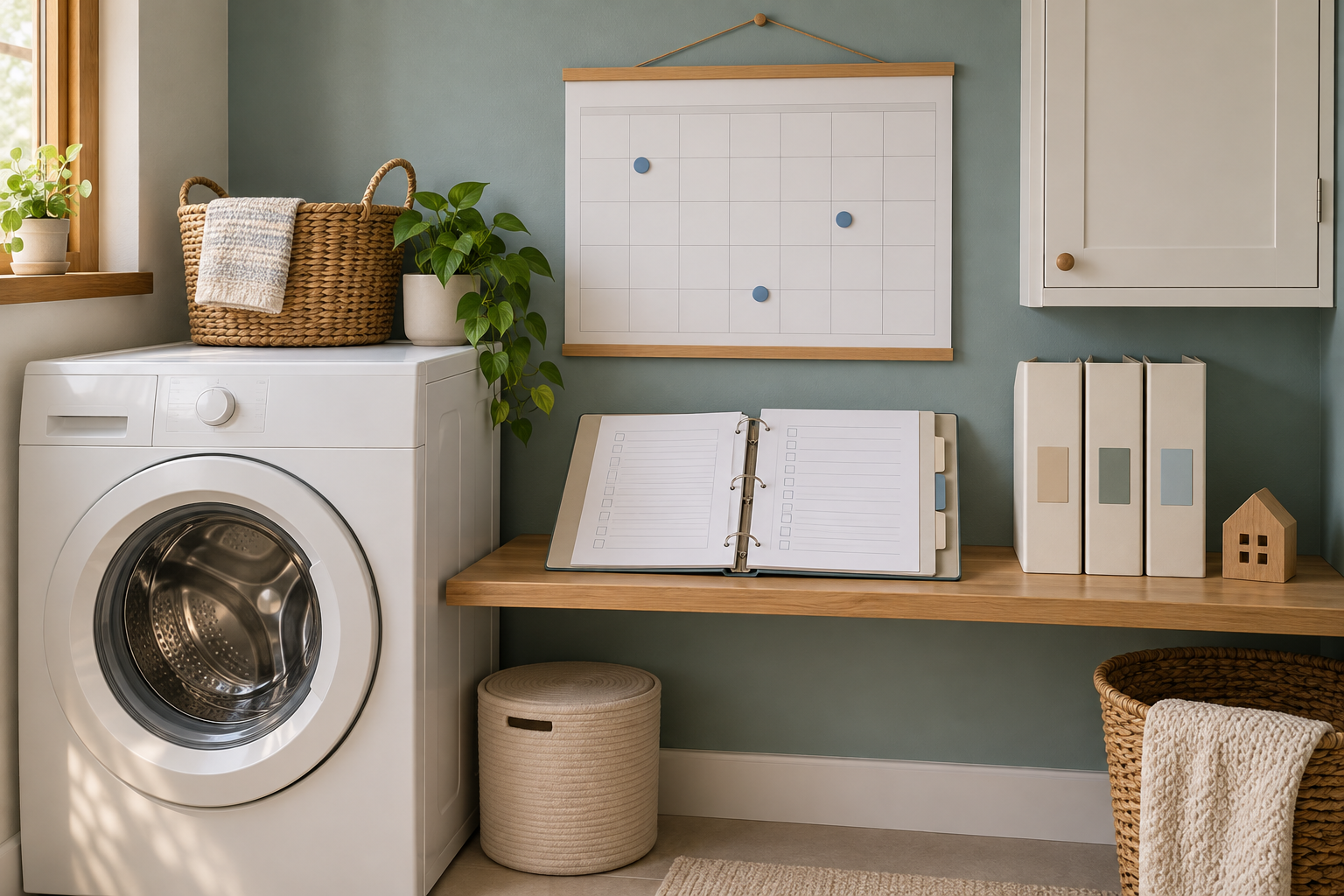
The WaterSense and ENERGY STAR pages were read on 1 November 2026. The equipment card, statuses, and six-task example are original illustrations, not an actual inspection or home safety certification. The generated image depicts an imaginary documentation and scheduling scene. This content was prepared with AI assistance and has not received independent human editorial review.